
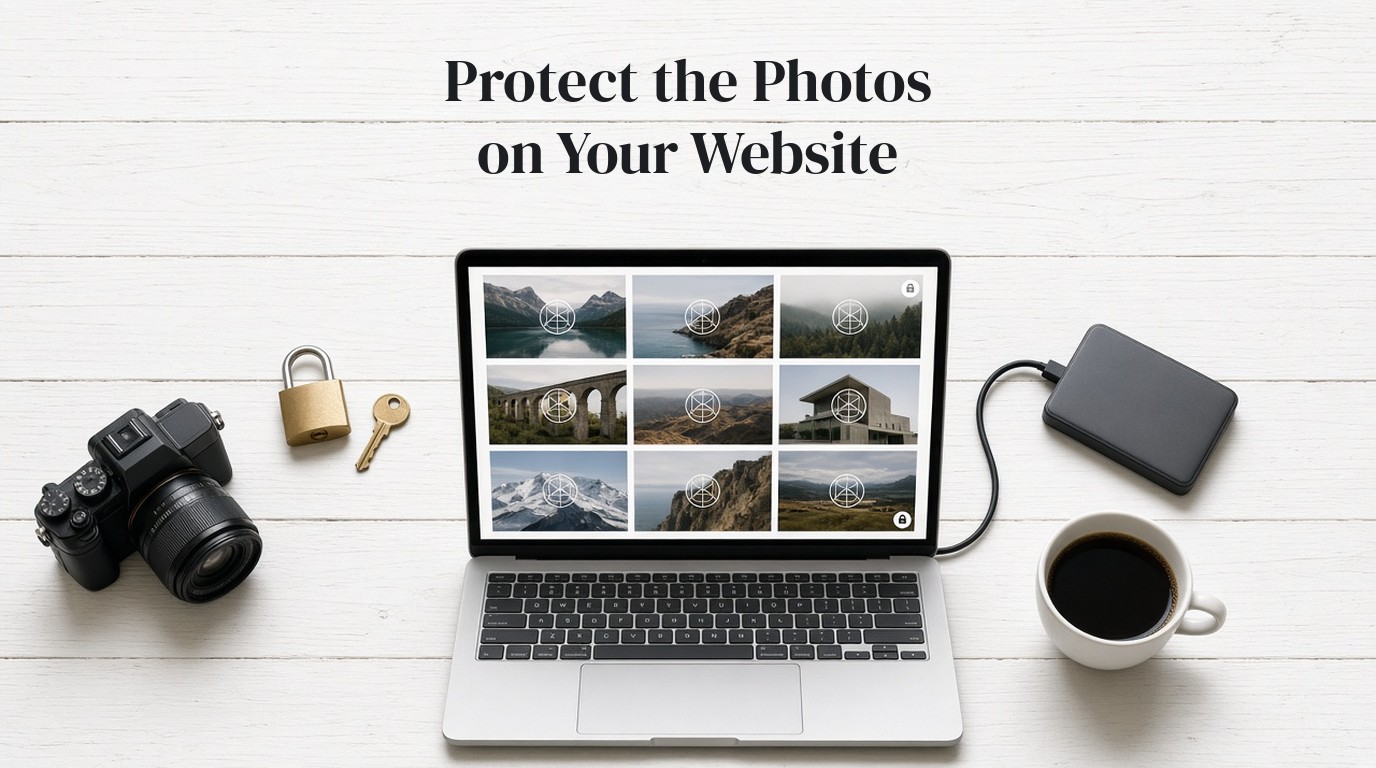
You cannot completely stop someone from copying photos off a public website. Anyone who can see an image can often save it, screenshot it, or grab the file URL. What you can do is make those copies less useful for print or reuse, and keep your name on the file so a stolen image is still recognizable as yours.
Start with what a host will actually tell you
Squarespace's own help article, Preventing visitors from downloading your images, videos, and audio (last updated August 5, 2025), puts this plainly. There isn't a way to completely prevent someone from copying images, video, audio, or file URLs from your site. That includes files on password-protected pages and in a not-linked section, if a visitor has the static URL.
The same advice holds on WordPress, Wix, or a custom site, even if the settings look different. A public image has to be sent to the browser to appear. If it appears, it can be captured.
This is a different problem from a shop listing that someone copies onto another marketplace. For that situation, see our guide on how to stop Etsy image theft. The steps below are for a portfolio, a studio site, a blog, or any other site where the photos are the point.
Put a watermark on the files you publish
Squarespace recommends adding semi-transparent text or a logo, known as a watermark, to your images. The useful part of that advice is this: even if someone screenshots the image, the watermark still identifies it as yours. A right-click block cannot do that.
Use the logo you already have, or a simple text credit, and keep it tasteful enough that the photo is still the subject. A small, consistent mark on every published file is more reliable than a heavy stamp on a few of them. The wider case for this is in our article on why you should watermark your photos.
You can Watermark your photos free in the browser, on a phone or a computer, with nothing to install. Upload the photos, then the logo, place it once, apply it to the set you are about to publish, and download the marked files. Multiple photos come back as a ZIP. GoLogo processes the photos on your device. Daily limits are the only cap: Lite is free for 50 photos a day, Pro is $9.99 a month for 500 a day, and Ultra is $39.99 a month for 5,000 a day. If you publish large galleries, compare the paid plans.
Keep the unmarked originals in a private folder. Publish the watermarked versions. That habit matters as much as the tool, because one unmarked hero image on the home page is the file people will take.
Publish a web-sized file, not a print file
Squarespace recommends uploading images with a width of 1500 to 2500 pixels, and keeping the files below 500 KB when you can. It also notes that images below 1 MB are web-optimized and look fine on a site, but will not be suitable for printing. That last point is the protection: a stolen web file should be a weak print.
Those numbers are from Squarespace's article, not a universal law. Other hosts have their own limits. The idea travels well: resize and compress for the site, and do not hang a full-resolution print file on a public page. If a client needs the large file, send it privately, not as a right-clickable image on the site.
You can use the same method we describe for adding a logo to hundreds of images after you have resized the set, so the published folder is both marked and web-sized.
Don't lean on a right-click block
Squarespace lets you disable right-clicks with custom code on plans that include code injection. It also says it does not recommend that option, because it creates a false sense of security and in no way prevents screenshots, drag-and-drop downloading, or recording software from capturing your content. Computers can still grab what is on the screen.
If you add a script like that, treat it as a mild speed bump, not as protection. The watermark and the smaller file are doing the real work.
Some site owners also add a terms-of-use line that forbids copying. That can help if you later need to show that the visitor was not given permission. It will not stop the download.
If a photo is already being used without permission
Save a copy of your original file and a screenshot or URL of the unauthorized use. Then contact the site owner or the host. Many hosts accept a copyright notice and will take down a page that uses your work without permission. The exact process depends on the host and on the country, so follow the host's current instructions rather than a copied template from an old blog post.
A watermark does not replace that process. It makes the file easier to recognize as yours when you are gathering evidence, and it can make the stolen image less attractive to use in the first place.
Frequently asked questions
Can I completely prevent people from downloading photos from my website?
No. If an image is visible on a public page, someone can usually save it, screenshot it, or use the file URL. Squarespace says this outright, and it is true on other hosts as well. The goal is to discourage reuse and to keep your name on the file.
Does a watermark actually help if someone takes a screenshot?
Yes, in one important way. The mark is part of the picture, so it is still there after a screenshot. That is why Squarespace recommends a semi-transparent logo or text, and why a right-click block is a weaker substitute.
Should I disable right-click on my site?
You can, on some hosts and plans, but it is a weak control. Squarespace does not recommend it, because it does not stop screenshots, drag-and-drop, or recording software. Use a watermark and a web-sized file first.
What size should I upload if I want to discourage printing?
Squarespace recommends a width of 1500 to 2500 pixels and, when possible, a file below 500 KB. It notes that files below 1 MB look good on the web but are not suitable for printing. Check your own host if you are not on Squarespace, and keep the full-resolution masters offline.
How do I add a watermark to all the photos before I publish them?
Use a browser tool that applies one logo to a folder of photos, then upload the marked, web-sized files to the site. GoLogo does this on a phone or a computer, with no app to install. Keep the unmarked originals in a private folder.
Is this the same as stopping someone from stealing my Etsy listing photos?
No. A website portfolio and a marketplace listing have different rules and different takedown paths. If the problem is a copied shop listing, use the Etsy-focused guide instead of this one.