
For real estate photographers & agents
Brand every property photo before it hits the listing sites
Listing photos get copied by other agents and portals all the time. Put your studio or agency logo on the whole shoot in one step, so every image carries your name wherever it ends up.
Free for 50 images a day. No credit card.

A full shoot in under a minute
Watermark 40-50 interior and exterior shots in one batch instead of one by one.
Full resolution stays full resolution
Your photos keep their original pixel size, so they still look sharp on large screens.
Tweak any single photo
Move the logo off a window or a key feature on any photo without changing the rest.
Saved projects
One saved setup for every new property
Save your logo placement as a project and it is ready for the next shoot. After each property, open the project, add the photos and download the whole set branded - no re-uploading or re-positioning your logo. Keep a second project with a dark logo for bright exteriors.
How it works
- 1
Upload the shoot
Add the edited JPG, PNG or WEBP files from the property.
- 2
Add your logo
Studio logo for photographers, agency logo for agents.
- 3
Set position and opacity
A bottom corner at 40-60% opacity is the industry favourite.
- 4
Download as a ZIP
Five or more photos download together in one ZIP file.
Pro tips
- Keep the logo to roughly 10-15% of the image width so rooms stay the focus.
- Some MLS systems do not allow branded photos - keep an unbranded set for those.
- Use a white logo on interiors and a dark one on bright exteriors for readability.
Questions
Can I put a watermark on MLS photos?
Rules differ by MLS. Many do not allow branding on listing photos, so check your local rules and keep an unbranded copy.
Will the watermark reduce photo quality?
No. GoLogo keeps the original dimensions and saves JPG and WEBP at high quality, and PNG without any loss. Only a very large photo is reduced, and only if your browser cannot handle it at full size - you will be told if that happens.
How many photos can I do per day?
Lite includes 50 images per day, Pro 500 and Ultra 5,000.
Read the guide
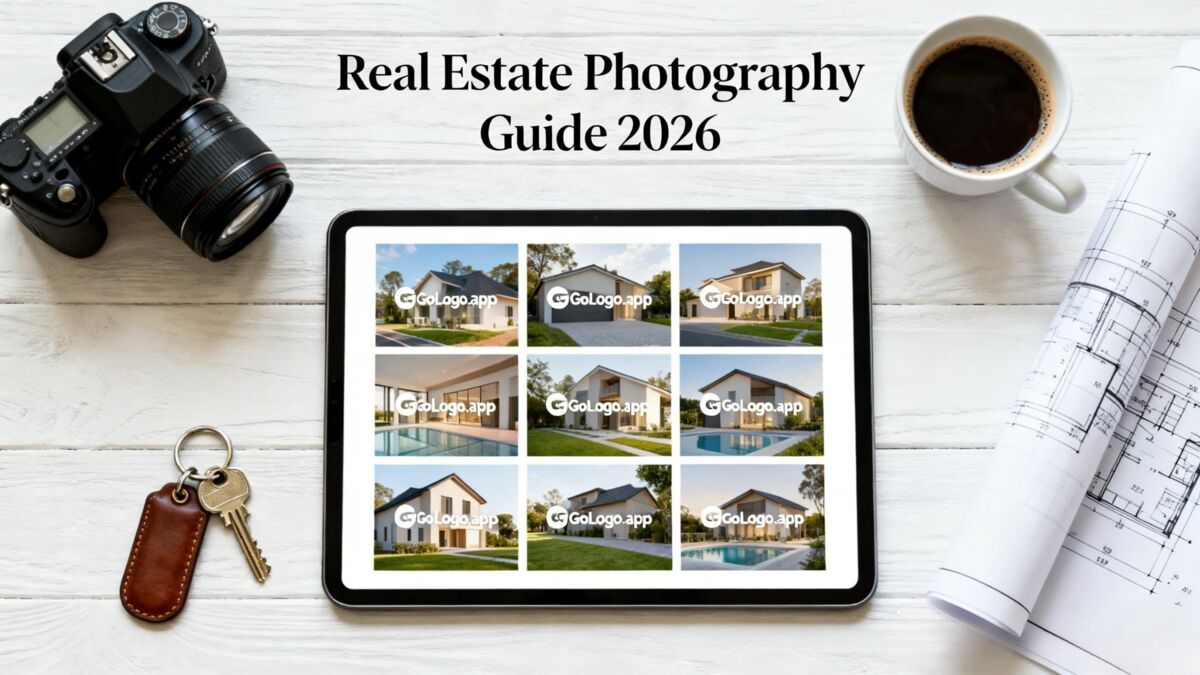
Real Estate Photography Guide 2026: Watermarking & Branding Your Property Photos
Ready to brand your photos?
Open the editor and try it right away - no account needed to upload and preview.