On iPhone, no app needed
Watermark photos on your iPhone - no app required
The Photos app has no batch watermark option, and most watermark apps add their own branding or a subscription. GoLogo works right in Safari: pick photos from your library, add your logo, and save them back.
Free for 50 images a day. No credit card.

Nothing to install
Open gologo.app in Safari or Chrome and start - no App Store download. It works the same way when you watermark photos on Android.
Many photos at once
Select a whole set of photos from your library in one go.
Photos stay on your phone
Images are processed on your device and are not sent to our servers.
Saved projects
Set up once, then just pick photos
Positioning a logo with your finger is easy, but you only need to do it once. Save it as a project, and next time open the project, pick new photos from your camera roll and download them with the logo already in place.
How it works
- 1
Open the editor in Safari
Tap Upload and choose Photo Library to pick your photos.
- 2
Add your logo
Pick a PNG, SVG or WEBP logo from Files or Photos.
- 3
Position it with your finger
Drag to move it, use the corner handles to resize, and set opacity with the slider.
- 4
Download
Save the photos to Files, or open the ZIP to get them all at once.
Pro tips
- iPhone photos are often HEIC. Set Settings > Camera > Formats to "Most Compatible" to shoot JPG, or share the photos as JPG first.
- Keep a transparent PNG of your logo in Files so it is always ready.
- For more than 5 photos you get one ZIP - tap it in Files to unzip.
Questions
Can I watermark photos on iPhone for free?
Yes. GoLogo is free for up to 50 photos per day and works in Safari without an app.
Does it support HEIC photos?
GoLogo supports JPG, PNG and WEBP. Switch your camera to "Most Compatible" or export the photos as JPG before uploading.
Does it work on Android too?
Yes. It works in Chrome and every other modern mobile browser.
Read the guide
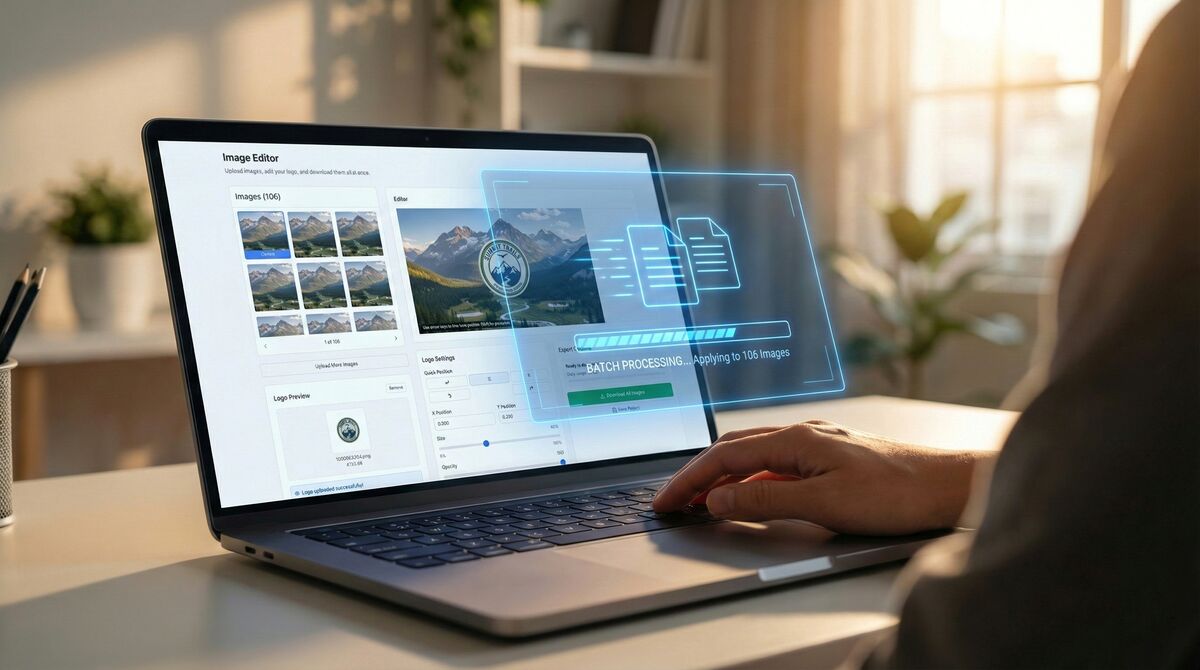
How to Add a Logo to Hundreds of Images in Under 1 Minute
Ready to brand your photos?
Open the editor and try it right away - no account needed to upload and preview.